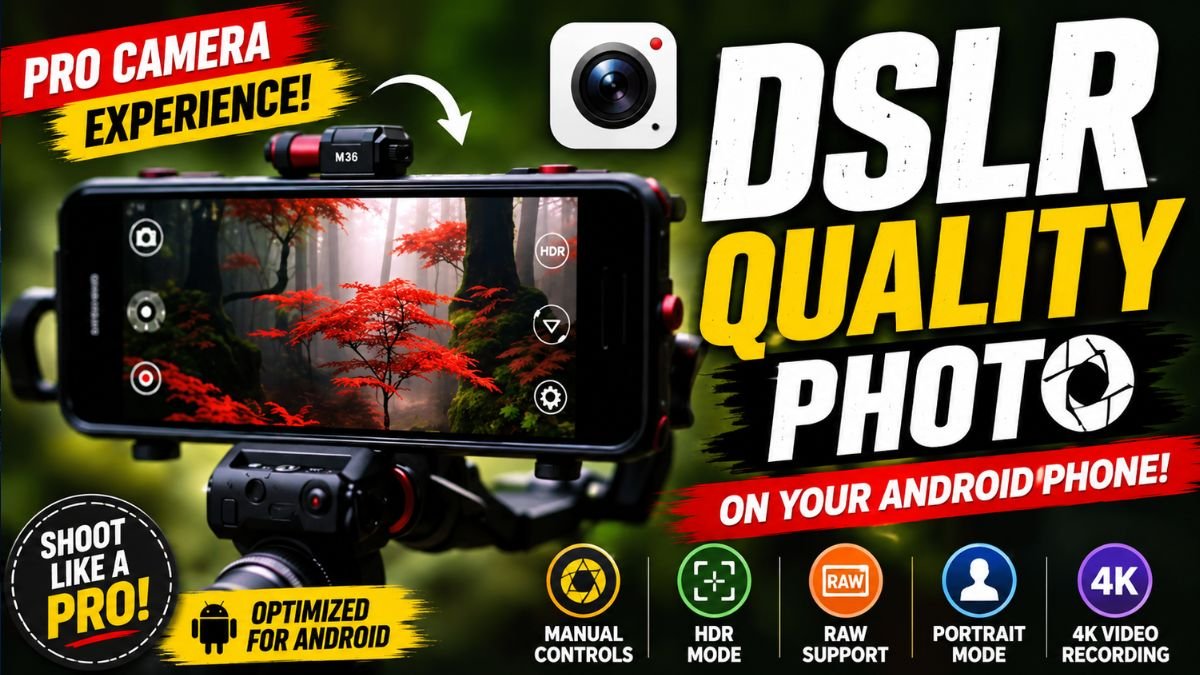
A DSLR Camera App is an Android application that enhances your phone’s camera by offering professional photography features such as manual ISO, shutter speed, focus control, HDR, RAW image capture, portrait effects, and AI-powered image processing. While it cannot physically turn a smartphone into a DSLR camera, it helps users achieve DSLR-style photos with greater creative control.
Introduction
Smartphone cameras have improved dramatically over the past few years, making professional-looking photography accessible to everyone. Thanks to advanced sensors, AI image processing, and powerful camera applications, Android users can now capture stunning photos without carrying bulky DSLR equipment.
One of the biggest trends among mobile photographers is using a DSLR Camera App. These apps unlock advanced camera controls that are often hidden in the default camera application, allowing users to adjust focus, exposure, ISO, shutter speed, white balance, and other professional settings. Whether you’re photographing landscapes, portraits, food, travel destinations, or social media content, a DSLR Camera App can help you produce sharper, more creative images.
DSLR Quality Photo on Your Android Phone
In this guide, we’ll explore how DSLR Camera Apps work, their top features, benefits, limitations, and practical tips to help you get the most from your Android camera.
Why Use a DSLR Camera App?
The standard camera app included with most Android phones is designed for simplicity. While it’s excellent for quick snapshots, it often limits manual control over important camera settings.
A DSLR Camera App gives users access to professional photography tools that improve image quality and provide greater creative freedom. Instead of relying entirely on automatic settings, you can fine-tune your shots to match different lighting conditions and photography styles.
These apps are especially useful for content creators, travelers, students, bloggers, and anyone interested in improving their mobile photography skills.
Top Features of DSLR Camera Apps
Manual Camera Controls
Professional camera apps allow users to manually adjust settings such as:
- ISO sensitivity
- Shutter speed
- White balance
- Exposure compensation
- Manual focus
- Metering modes
These controls help create better images in bright sunlight, indoor lighting, and low-light environments.
Portrait Mode and Background Blur
Many DSLR Camera Apps include intelligent portrait modes that simulate the shallow depth-of-field effect commonly associated with DSLR cameras.
This creates beautiful background blur (bokeh), making subjects stand out while producing more professional-looking portraits.
RAW Image Capture
Advanced photography apps often support RAW image formats.
RAW files preserve significantly more image data than JPEG files, making them ideal for editing in applications such as Adobe Lightroom, Snapseed, or other professional photo editors.
HDR Photography
High Dynamic Range (HDR) combines multiple exposures into a single photograph to capture more detail in both highlights and shadows.
HDR is especially useful for:
- Landscapes
- Sunsets
- Architecture
- Outdoor portraits
AI Scene Recognition
Many modern DSLR Camera Apps include artificial intelligence that automatically detects scenes such as:
- Portrait
- Night
- Food
- Landscape
- Pets
- Documents
The app adjusts camera settings automatically for better results while still allowing manual fine-tuning when needed.
4K Video Recording
Some DSLR Camera Apps also improve video recording by offering:
- 4K recording support
- Manual focus during video
- Exposure lock
- Video stabilization
- Professional frame rate controls
These features are valuable for vloggers, YouTubers, and social media creators.
Benefits of Using a DSLR Camera App
Professional-Looking Photos
Manual camera controls allow users to produce images with better exposure, sharper focus, and more balanced colors than the default camera app.
Greater Creative Control
Photographers can experiment with different settings to create unique artistic effects, including long exposure shots, dramatic lighting, and cinematic portraits.
Better Low-Light Performance
Adjusting ISO and shutter speed manually helps improve photos taken at night or in dimly lit environments.
Improved Editing Flexibility
RAW image support provides higher-quality files that retain more detail during post-processing.
Ideal for Content Creators
Whether you’re posting on Instagram, YouTube, TikTok, or running a photography blog, DSLR Camera Apps help create more engaging visual content.
Tips for Capturing DSLR-Style Photos
Getting DSLR-like results isn’t just about installing an app—it also depends on good photography techniques.
- Clean your camera lens before taking photos.
- Tap to focus on your main subject.
- Use natural lighting whenever possible.
- Avoid excessive digital zoom.
- Keep your hands steady or use a tripod.
- Enable HDR for outdoor scenes with high contrast.
- Experiment with manual focus for close-up photography.
- Edit your photos lightly to enhance colors without overprocessing.
Combining these habits with a quality DSLR Camera App can noticeably improve your smartphone photography.
Pros and Cons
Pros
- Professional manual camera controls
- Better portrait and bokeh effects
- RAW image support
- Enhanced HDR photography
- Improved video recording features
- Easy-to-use interface for beginners and professionals
Cons
- Some advanced features require premium versions.
- Manual controls may not be supported on every Android device.
- Older smartphones may not fully benefit due to hardware limitations.
- DSLR apps cannot completely replicate the optical performance of dedicated DSLR or mirrorless cameras.
Frequently Asked Questions
Can a DSLR Camera App make my phone a real DSLR?
No. These apps cannot change your phone’s camera hardware, but they provide professional controls and software enhancements that help produce DSLR-style photos.
Do DSLR Camera Apps work on all Android phones?
Most apps support Android 8.0 or newer, although some manual controls depend on your phone’s camera hardware and Camera2 API support.
Are DSLR Camera Apps free?
Many apps offer free versions with essential features, while advanced manual controls, RAW support, or premium filters may require a paid upgrade.
Is RAW photography better than JPEG?
RAW files contain more image information, making them better for professional editing. JPEG files are smaller and ready to share immediately.
Which users benefit most from DSLR Camera Apps?
These apps are ideal for mobile photographers, content creators, travel bloggers, students, social media influencers, and anyone who wants greater control over smartphone photography.
Final Verdict
A DSLR Camera App is one of the best upgrades you can make to your Android photography experience. While it cannot replace a dedicated DSLR camera, it unlocks advanced shooting controls that help you capture sharper, more detailed, and more creative images using the device you already own.
If you enjoy mobile photography, creating social media content, or simply want to improve your everyday photos, installing a reliable DSLR Camera App is a smart choice. Pair it with good lighting, steady shooting techniques, and thoughtful editing, and you’ll be surprised by the professional-quality results your Android smartphone can achieve in 2026.