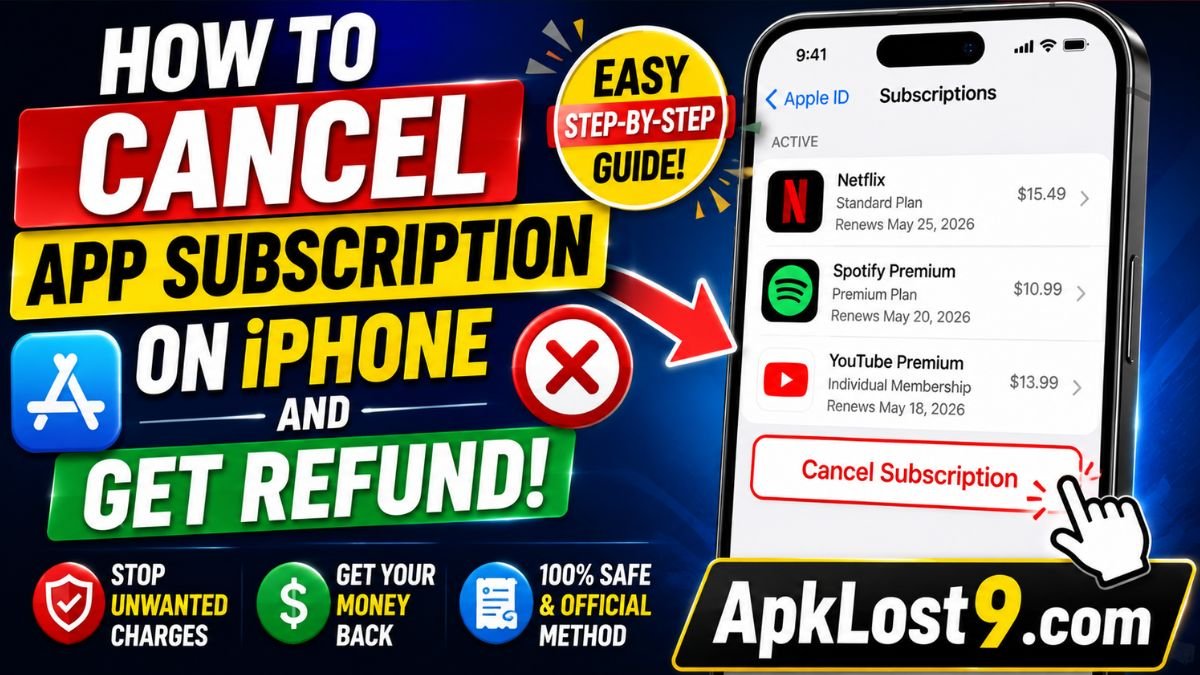
If you subscribed to an app on your iPhone and no longer want to pay for it, you can cancel the subscription through your Apple Account. If you were recently charged, you can also submit a separate refund request to Apple. However, canceling a subscription does not automatically guarantee a refund; Apple reviews refund requests and eligibility can vary by country or region.
How to Cancel an App Subscription on iPhone
The easiest way to cancel an App Store subscription is through your iPhone’s Settings.
Follow These Steps
- Open the Settings app on your iPhone.
- Tap your name at the top.
- Select Subscriptions.
- Find the app or service you want to cancel.
- Tap the subscription.
- Select Cancel Subscription or Cancel All Services.
- Follow the on-screen instructions to confirm.
Apple’s current instructions confirm that subscriptions billed through Apple can be viewed, changed, and canceled from Settings → your name → Subscriptions.
If you don’t see a Cancel Subscription button, or you see an expiration message in red, Apple says the subscription has already been canceled.
How to Get a Refund for an iPhone App or Subscription
Canceling your subscription and requesting a refund are two separate processes.
If Apple charged you for an app, in-app purchase, or subscription and you believe the purchase is eligible for a refund, submit a request through Apple’s official refund website.
Steps to Request an Apple Refund
- Go to Apple’s Report a Problem website.
- Sign in with the Apple Account used for the purchase.
- Select “I’d like to”.
- Choose “Request a refund.”
- Select the reason for your refund request.
- Tap or click Next.
- Select the app, subscription, or other purchase.
- Submit the request.
Apple says some App Store, iTunes Store, Apple Books, and other Apple-service purchases may be eligible for a refund.
Does Canceling a Subscription Automatically Give You a Refund?
No.
Canceling prevents a subscription from continuing to renew, but it does not automatically refund a payment that has already been made.
If you were recently charged, you need to submit a separate refund request. Apple will review the request, and approval is not guaranteed. Refund eligibility can depend on your purchase and country or region.
How Long Does an Apple Refund Take?
After submitting a refund request, Apple says you should generally wait 24 to 48 hours for an update about the request.
If Apple approves the refund, additional time may be required for the money to return to your original payment method.
Therefore, don’t assume that the money will appear immediately after submitting the request.
What If You Cannot Find the Subscription?
If the subscription does not appear under Settings → your name → Subscriptions, there are several possibilities.
Check Your Apple Account
You may have purchased the subscription using a different Apple Account.
Search your email for “receipt from Apple” or “invoice from Apple.” Check the receipt to see which Apple Account was used for the purchase.
If you have multiple Apple Accounts, sign in with the account shown on the receipt and check your subscriptions.
The Subscription May Not Be Billed by Apple
Not every subscription used on an iPhone is necessarily billed through Apple.
If you cannot find an Apple receipt, check your bank or credit-card statement. The company appearing on the charge may be the provider responsible for billing.
In that situation, you generally need to contact the company that charged you and cancel the subscription through its own website or support system.
Does Deleting an App Cancel Its Subscription?
No.
Deleting an app from your iPhone does not automatically cancel an active subscription.
For example, if you subscribed to a premium app and then deleted the app, the subscription can still remain active. You should cancel it separately through your subscription settings. Apple’s subscription management instructions specifically direct users to cancel subscriptions through their Apple Account settings.
What If You Were Charged for a Free Trial?
If you started a free or discounted trial and don’t want it to convert into a paid subscription, cancel it before the trial period ends.
Apple advises canceling a free or discounted trial at least 24 hours before the trial ends if you do not want it to renew.
If you have already been charged after the trial ended, you can still submit a refund request, but Apple will determine whether the purchase qualifies.
What If Your Refund Request Is Not Showing?
If you cannot find the purchase on Apple’s refund website, check the following:
- Make sure you’re using the correct Apple Account.
- Search your email for the Apple purchase receipt.
- Check whether the payment is still pending.
- Review your purchase history.
- Check whether the purchase was billed by another company.
- If you have multiple Apple Accounts, check each relevant account.
Apple notes that a pending charge cannot be requested for a refund yet. You may need to wait until the Apple receipt becomes available.
Important Tips Before Canceling an iPhone Subscription
To avoid unwanted charges in the future:
- Review your active subscriptions regularly.
- Cancel unwanted trials before they renew.
- Take a screenshot of your cancellation confirmation if necessary.
- Check the renewal date before canceling.
- Do not assume deleting an app cancels billing.
- Keep your Apple Account secure.
- Use Apple’s official refund process for App Store purchases.
- Check your bank statement if you don’t recognize a charge.
Quick Answer: How to Cancel an App Subscription on iPhone and Get a Refund
To cancel an app subscription on iPhone, go to Settings → your name → Subscriptions, select the subscription, and tap Cancel Subscription.
To request a refund, visit Apple’s Report a Problem website, sign in, select Request a refund, choose your reason, select the purchase, and submit the request. Apple reviews the request, and eligibility varies by purchase and region.
Final Thoughts
If you no longer want an app subscription, cancel it as soon as possible to prevent future renewal. If you’ve already been charged, remember that canceling the subscription does not automatically issue a refund.
Instead, cancel the subscription through your iPhone and submit a separate refund request through Apple’s official refund system. Apple currently says some purchases may be eligible and that users can normally receive an update on a refund request within 24 to 48 hours.
Frequently Asked Questions
Can I cancel an iPhone subscription and get my money back?
You can cancel the subscription and separately request a refund, but Apple must review the refund request and approval is not guaranteed.
How do I cancel an app subscription on iPhone?
Go to Settings → your name → Subscriptions → select the subscription → Cancel Subscription.
Does deleting an app stop the subscription?
No. Deleting the app does not automatically cancel its subscription.
Where do I request an Apple refund?
Use Apple’s official Report a Problem website and select Request a refund.
How long does an Apple refund take?
Apple says you can generally expect an update on the request within 24 to 48 hours, while an approved refund may take additional time to reach your payment method.